This week, I used Skype and Google Docs to pull off a very exciting lesson. Jacob Francis, a student from Cleveland State University, who is observing in my classroom wrote a lengthy journal on the experience. I thought his observations and comments would be an outsiders perspective on this set of lessons. His introduction is below:
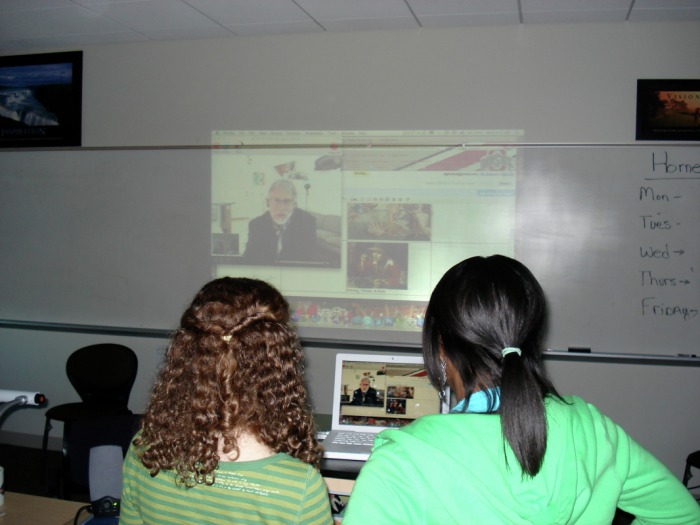
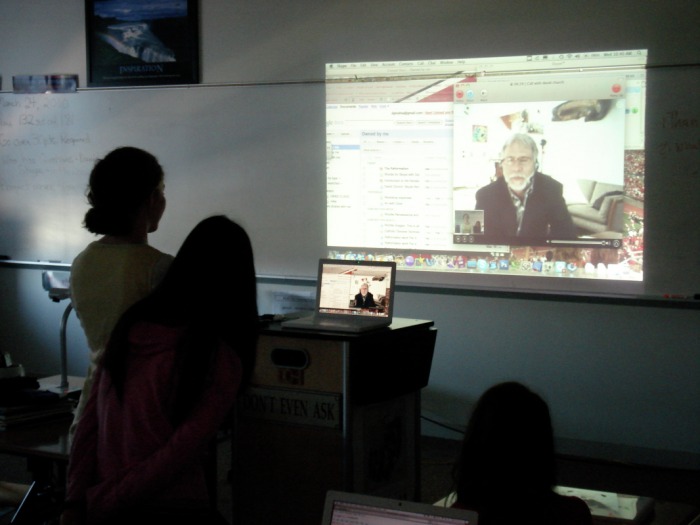
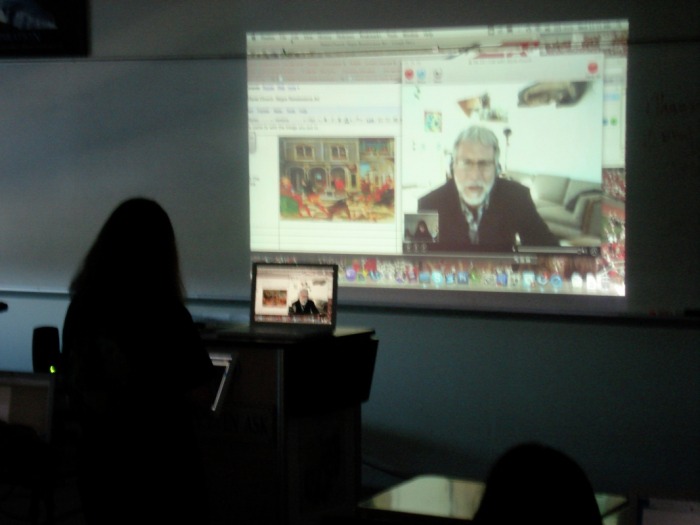
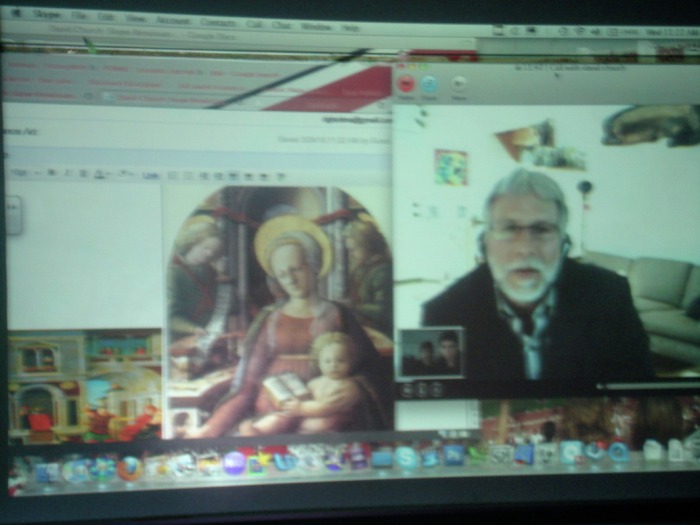
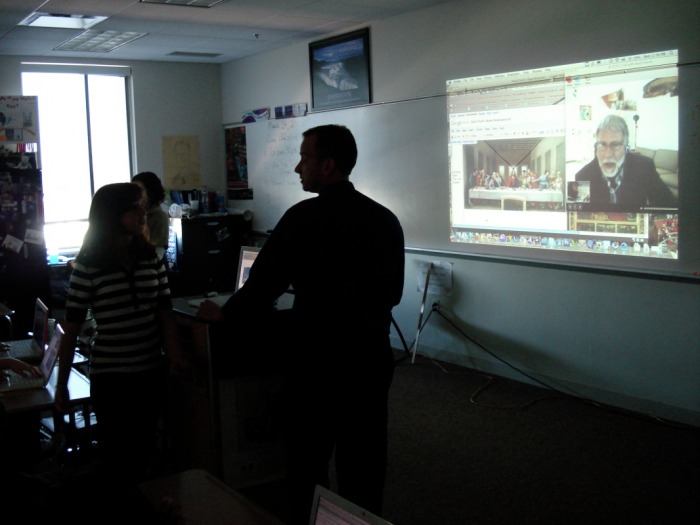
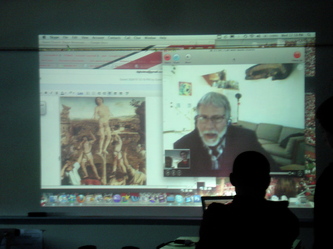
In an era of rapidly expanding technological interconnectedness, it is only logical that the use of technology and communication should be integrated into the educational experience. Beachwood Middle School has fully embraced this philosophy by fully integrating technology into everyday classroom use. This past week in Mr. Holman’s class, I have had the opportunity to witness a variety of uses of technology, all harnessed to provide students with experiences that are not just technology rich, but are also interactive and collaborative. Through these experiences, students were able to learn from an expert in Renaissance art, collaborate on group projects, and for some, develop an interactive lesson that will eventually be taught to students at another school. All of these experiences were the culmination of several weeks of lessons about the Renaissance and the Protestant Reformation This week began with the students learning about Renaissance art from David Church, an art professor in Syracuse, NY. The students were taught by Mr. Church through Skype, a free Internet video conferencing program. During the Skype videoconference, the students followed along with a PowerPoint containing Renaissance art images, as well as provided feedback and questions to Mr. Church regarding the presentation through a Google Document. Through the combination of Skype and Google Documents, students can learn, ask questions, provide feedback, and receive responses to their questions in real time. This was not only an excellent way for these students to learn about Renaissance Art, but it was a way that everyone involved found enjoyable and highly informative. Additionally, the use of free programs (Skype and Google Documents) allowed for collaborative instruction with an expert who was hundreds of miles away at a bare minimum of expense.
The teleconference with Mr. Church was just the beginning of 2 different types of culminating projects that would be completed by students over the course of this week. The majority of Mr. Holman’s classes would be working on group projects involving finding images of Renaissance art, and then building a podcast or movie that would be sent to Mr. Church to show them what they had learned. In a more ambitious project, Mr. Holman’s 3rd period class (which consists of only 6 students) is collaborating on a presentation covering both the Renaissance and Protestant Reformation, which will eventually be presented via videoconference over Skype to the entire 7th grade class at Chardon Middle School. I will discuss these projects and my impressions in further detail below. While my explanation may be a bit longwinded, I do not feel that it does these experiences justice to simply gloss over them in a succinct manner. Read more from the PDF below.
I will comment more on this lesson at a later date.
In an era of rapidly expanding technological interconnectedness, it is only logical that the use of technology and communication should be integrated into the educational experience. Beachwood Middle School has fully embraced this philosophy by fully integrating technology into everyday classroom use. This past week in Mr. Holman’s class, I have had the opportunity to witness a variety of uses of technology, all harnessed to provide students with experiences that are not just technology rich, but are also interactive and collaborative. Through these experiences, students were able to learn from an expert in Renaissance art, collaborate on group projects, and for some, develop an interactive lesson that will eventually be taught to students at another school. All of these experiences were the culmination of several weeks of lessons about the Renaissance and the Protestant Reformation This week began with the students learning about Renaissance art from David Church, an art professor in Syracuse, NY. The students were taught by Mr. Church through Skype, a free Internet video conferencing program. During the Skype videoconference, the students followed along with a PowerPoint containing Renaissance art images, as well as provided feedback and questions to Mr. Church regarding the presentation through a Google Document. Through the combination of Skype and Google Documents, students can learn, ask questions, provide feedback, and receive responses to their questions in real time. This was not only an excellent way for these students to learn about Renaissance Art, but it was a way that everyone involved found enjoyable and highly informative. Additionally, the use of free programs (Skype and Google Documents) allowed for collaborative instruction with an expert who was hundreds of miles away at a bare minimum of expense.
The teleconference with Mr. Church was just the beginning of 2 different types of culminating projects that would be completed by students over the course of this week. The majority of Mr. Holman’s classes would be working on group projects involving finding images of Renaissance art, and then building a podcast or movie that would be sent to Mr. Church to show them what they had learned. In a more ambitious project, Mr. Holman’s 3rd period class (which consists of only 6 students) is collaborating on a presentation covering both the Renaissance and Protestant Reformation, which will eventually be presented via videoconference over Skype to the entire 7th grade class at Chardon Middle School. I will discuss these projects and my impressions in further detail below. While my explanation may be a bit longwinded, I do not feel that it does these experiences justice to simply gloss over them in a succinct manner. Read more from the PDF below.
I will comment more on this lesson at a later date.

| skype__francis_mar10.pdf |

 RSS Feed